Bridging story planning with AI video generation
Planning an ambitious video project in a script editor and then manually copying and pasting dozens of prompts and reference images into an AI generator is slow and error-prone. One misplaced character trait or forgotten reference ruins visual continuity.
The BEErector Flow Assistant Chrome extension eliminates this friction by bringing your entire BEErector project board directly inside Google Flow as an unobtrusive side panel.
How the Flow Assistant works
Install the extension from the Chrome Web Store and open Google Flow. Enter your BEErector Project Key to instantly synchronize your active characters, scenes, and camera directions.
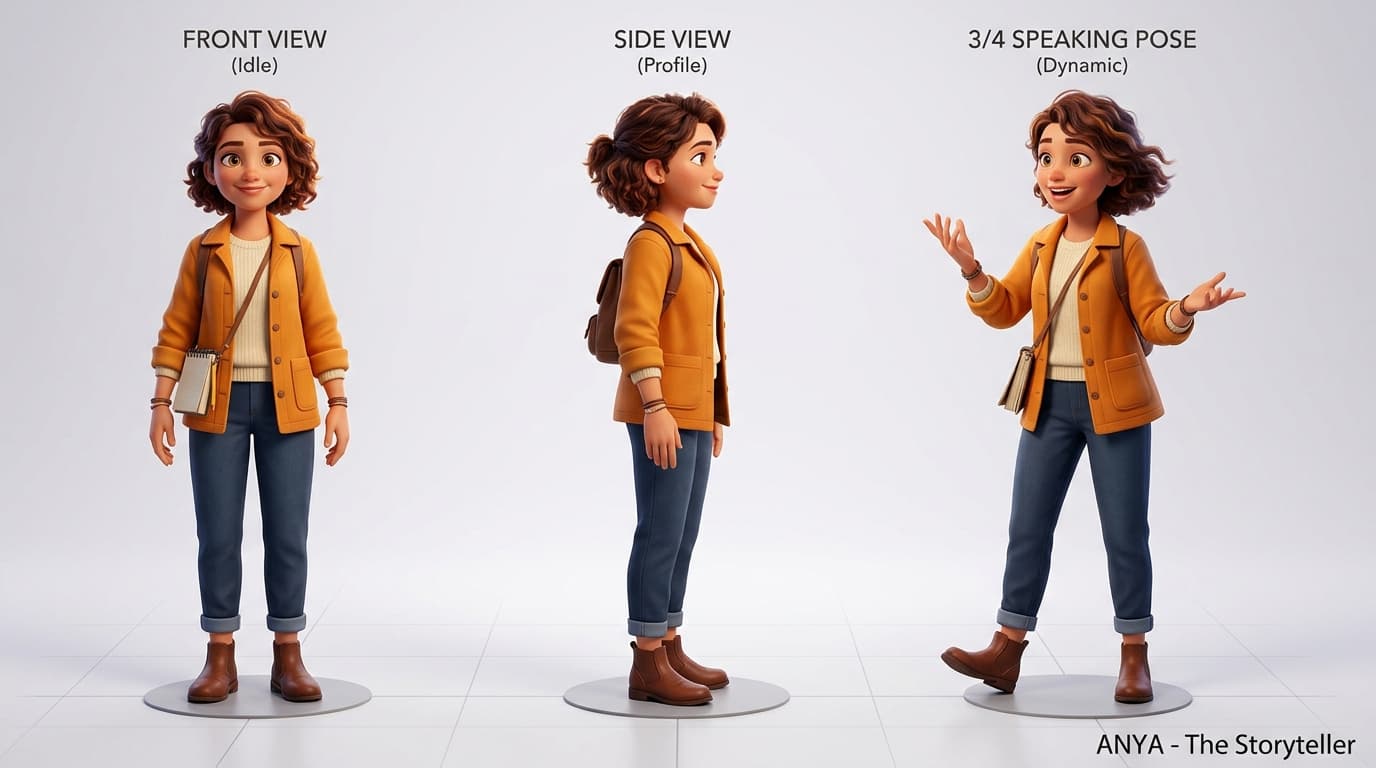
When you are ready to generate Scene 1, click 'Insert Prompt' in the side panel. The extension formats the scene instruction, attaches the approved character turnaround image, and sets your camera parameters automatically.
- •Keep your BEErector workspace open in one tab and Google Flow in another for instant sync.
- •Always inspect generated clips in Flow's preview pane before advancing to the next scene card.
- •Download generated takes directly to your local library or import them into BEErector Clipping Studio.
Managing multi-channel publishing to YouTube
After assembling and adding safe-zone subtitles to your video, connect your YouTube channels in BEErector settings. Instead of logging into multiple Google accounts, select your connected channels and publish your finished video with optimized metadata in a single click.